
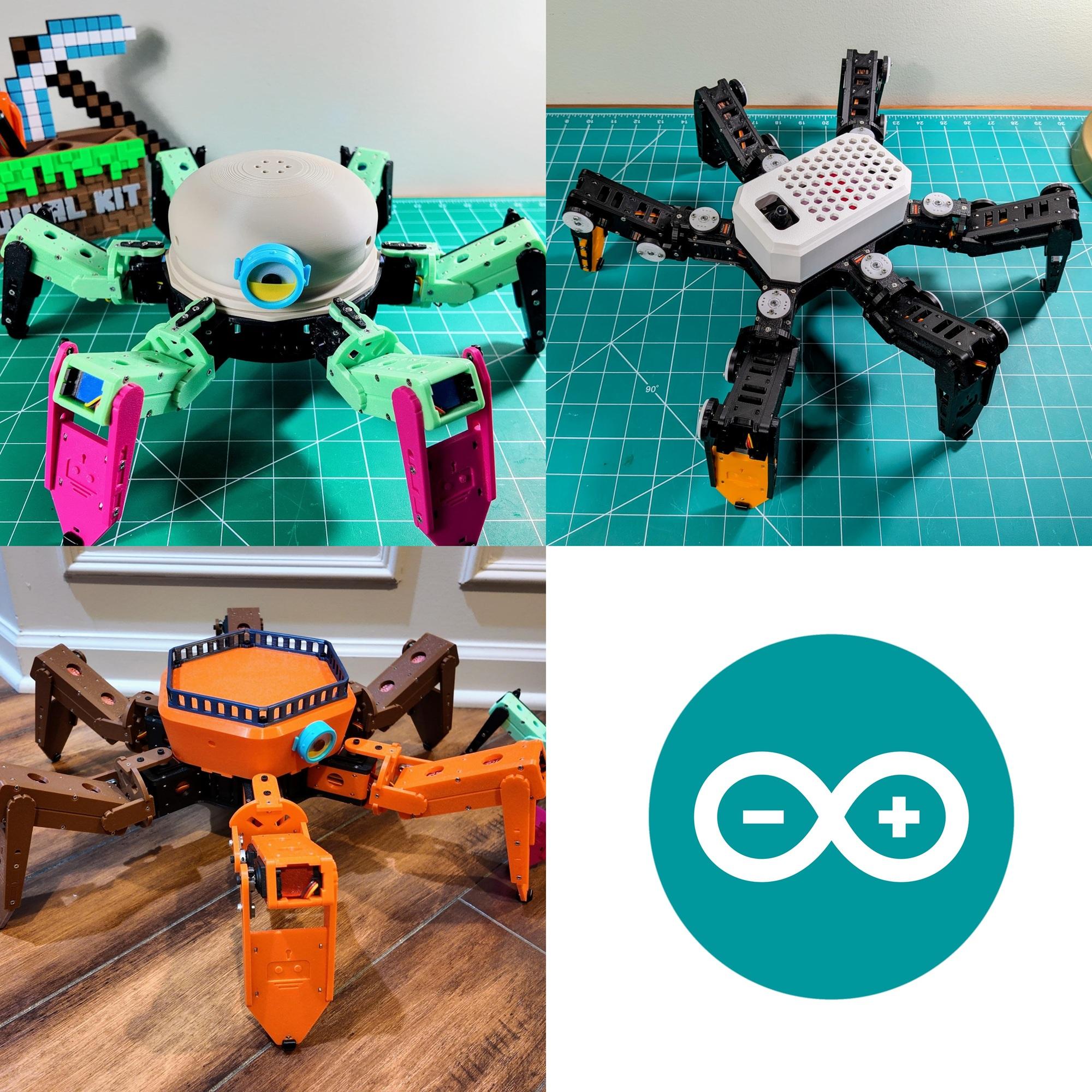
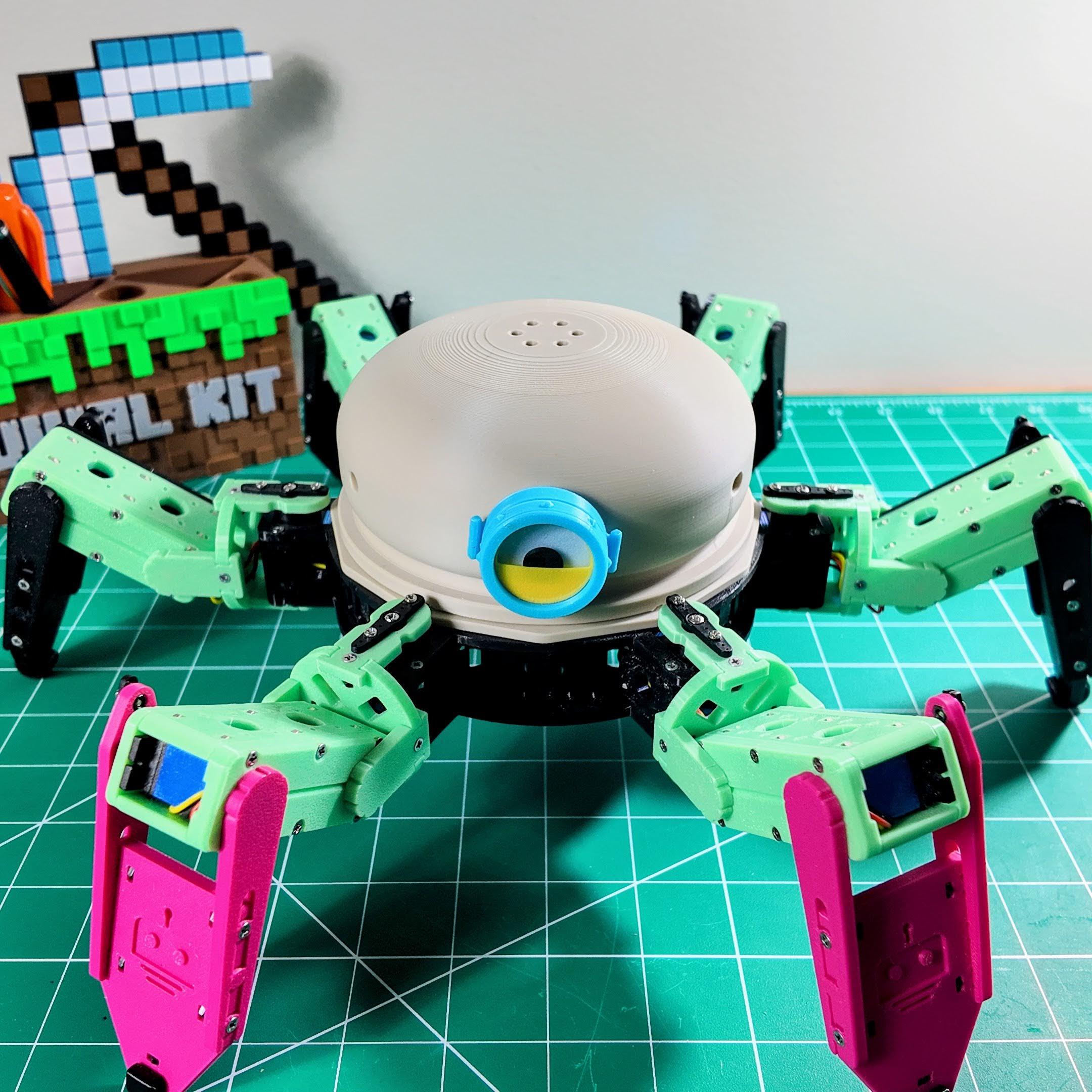
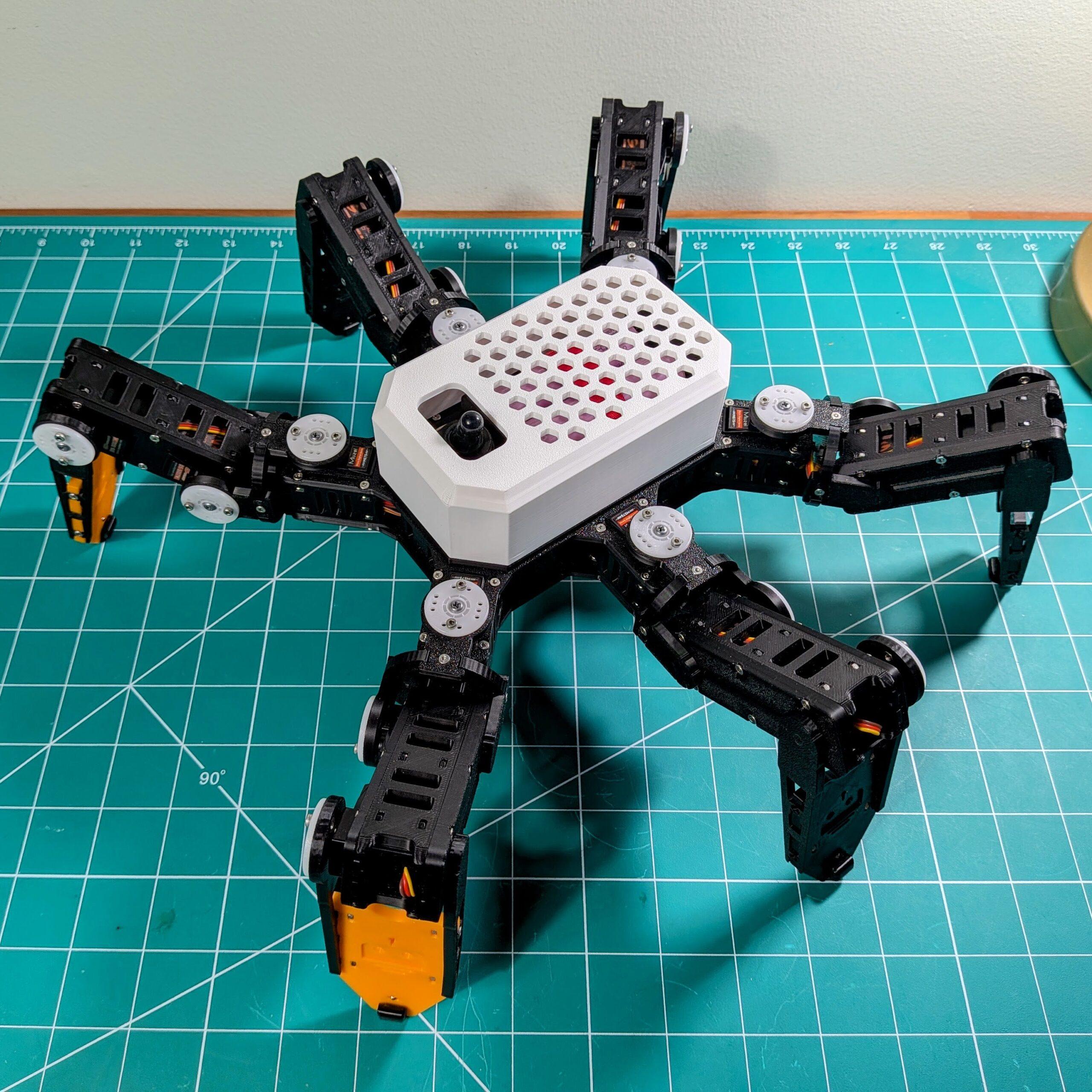
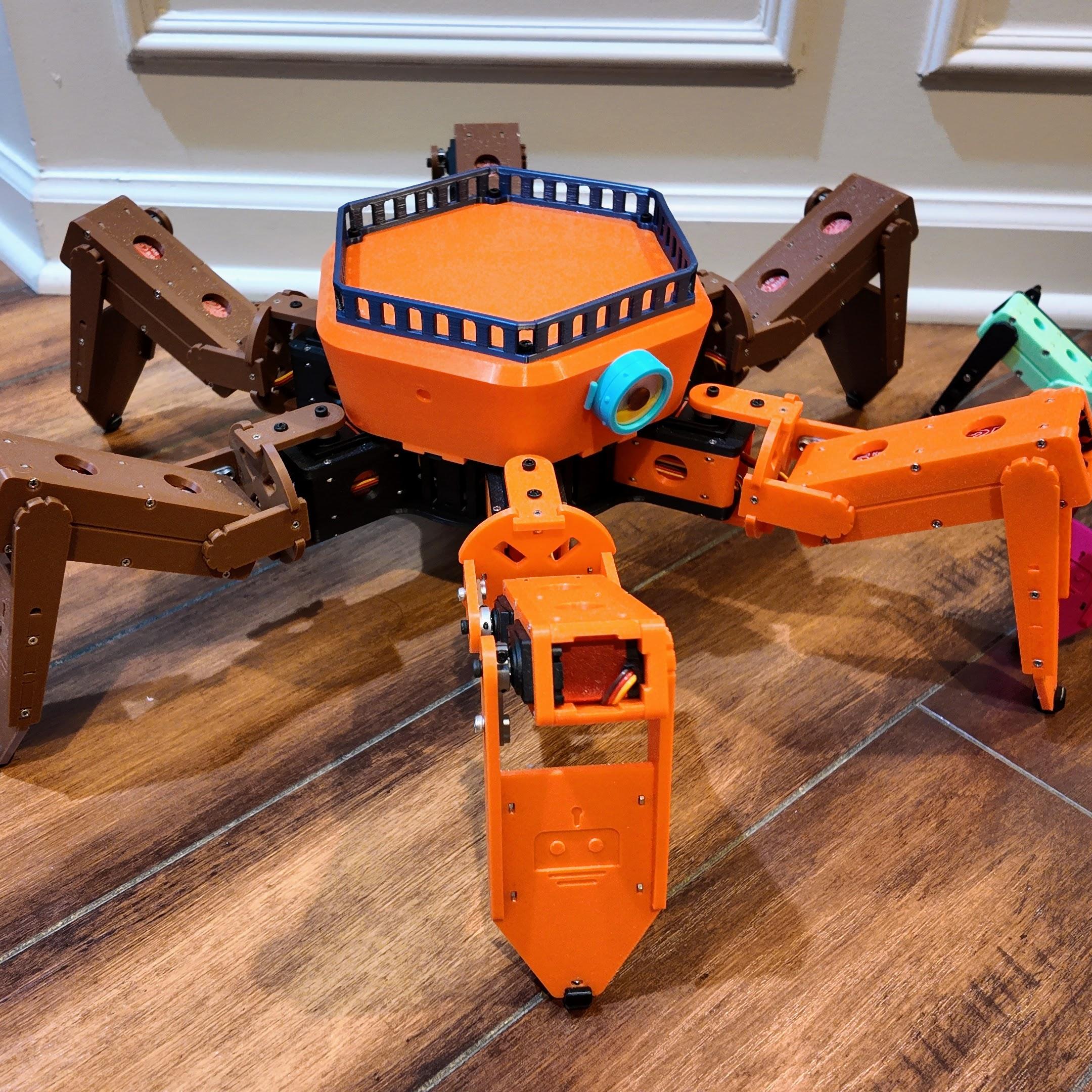
Hexapod Arduino ESP32 is the open-source firmware that runs every RookiDroid hexapod built on an ESP32 controller board — Macaroon, Mochi and Nougat. Same sketch, same WiFi control, same browser-based calibration on all three. Flash it, join the robot’s WiFi network, and walk it from your phone or stream poses to it live from a computer.
One Firmware, Three Robots
The sketch is identical across all three models. Only two things change from robot to robot:
- A couple of lines in
config.h— the WiFi network name and the servo timing. motion.h— the gait look-up tables, generated from each model’s leg geometry.
| Model | Servos | Default WiFi network | Servo delay |
|---|---|---|---|
| Macaroon | 25kg digital | hexapod_macaroon |
25 ms |
| Mochi | MG92B micro | hexapod |
12 ms |
| Nougat | 21G digital | hexapod_nougat |
12 ms |
The password is hexapod_1234 on all three, and the robot always lives at 192.168.4.1.
What It Does
- Its own WiFi access point — the robot hosts the network, so there’s no router to configure. It runs its stand-up sequence as soon as a client connects.
- 19 built-in motions — standby, walking at six headings, fast walk forward and back, turning in place, a climbing gait, body pitch / roll / yaw, and a twist.
- Binary UDP protocol — compact 6-byte motion packets on port 1234, with plain-text commands still accepted for testing from a terminal.
- Real-time pose streaming — push raw positions for all 18 joints at 50 Hz, with per-joint slew limiting and a 1-second failsafe that eases the robot back to standby if the stream stops.
- Browser-based calibration — open
http://192.168.4.1, nudge each of the 18 servos with +/− buttons (about 0.44° per tick), and save. Offsets go to EEPROM and survive power cycles. - Over-the-air updates — upload new firmware over WiFi from the Arduino IDE, no USB cable needed.
What’s Included
hexapod_esp32.inoand its sketch tabs:motion_control,realtime,network,calibrationandweb_uiconfig.h(WiFi, servo pin mappings, hardware settings) andmotion.h(the gait tables)hexapod.h,protocol.handweb_page.h— shared state, UDP packet layouts and the calibration page- A
READMEwith the full UDP command reference, including every packet’s field layout
Requirements
- Arduino IDE 2.x with
arduino-esp32board support - Adafruit PWM Servo Driver library (for the PCA9685 drivers).
AsyncUDP,ArduinoOTA,EEPROMandWebServership with arduino-esp32. - Board settings: ESP32 Dev Module, upload speed 115200, flash frequency 80MHz, partition scheme “Default 4MB with spiffs”
- A controller board — the Macaroon board for Macaroon, or the Mochi & Nougat board for the other two
Getting Started
- Install the Arduino IDE, add
arduino-esp32board support, and install the Adafruit PWM Servo Driver library. - Open
hexapod_esp32.inoand setAPSSID/APPSKinconfig.hif you want your own network name. - Select ESP32 Dev Module and the right COM port, then upload.
- Power the robot, join its WiFi network, and open
http://192.168.4.1to calibrate the servos. - Drive it with the Android app, or stream poses live with Hexapod Link.
Make It Your Own
The gaits aren’t hand-written — they come out of a Python inverse-kinematics generator. Open the notebook, change the step height, stride length or body geometry, run all cells, and drop the regenerated motion.h back into the sketch. Add a brand-new motion and it needs one extra entry in the motion table to become a command you can send over UDP.
Licensed under the GNU General Public License v3.0. Read it, change it, share what you build.
One firmware. Three robots. Flash it and make it walk.